
Description
Compare two images. Let visitors drag the difference.
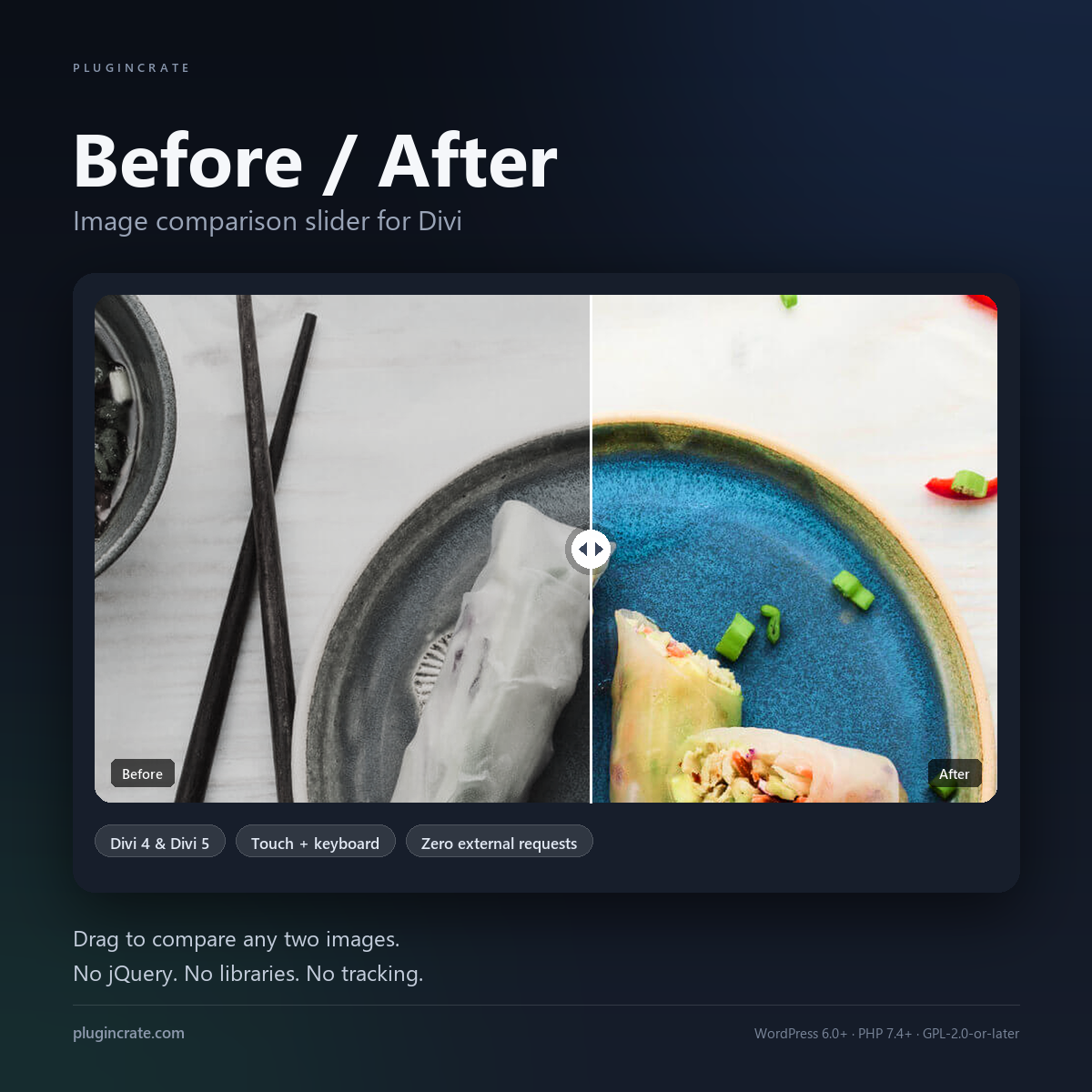
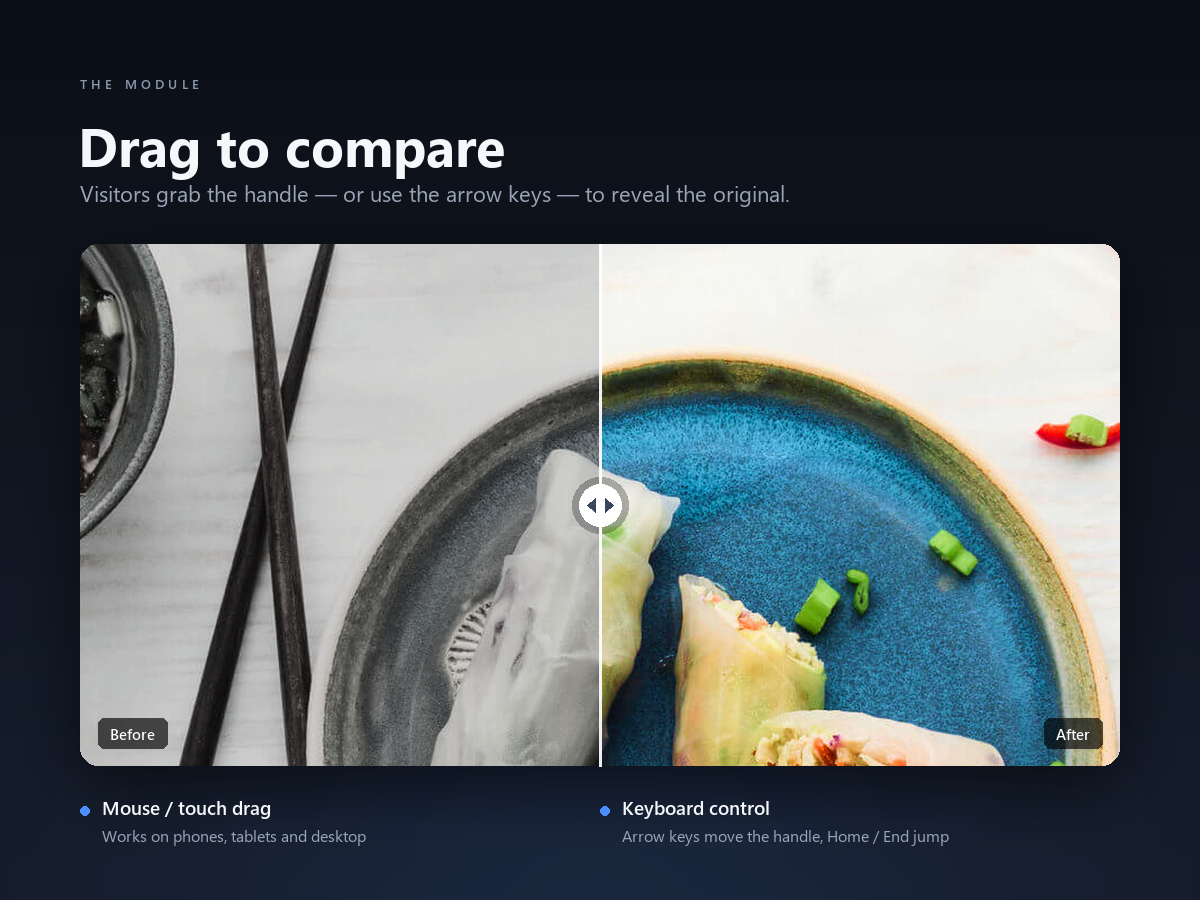
Before / After adds a native Divi module that puts two images in the same frame with a draggable divider. Drag the handle — or use the arrow keys — and the top layer is clipped away to reveal the other image underneath.
It is the fastest way to show a renovation, a retouch, a colour grade, a redesign or a product update, without a gallery plugin, an iframe or a third-party service.
Built as a Divi module, not a widget
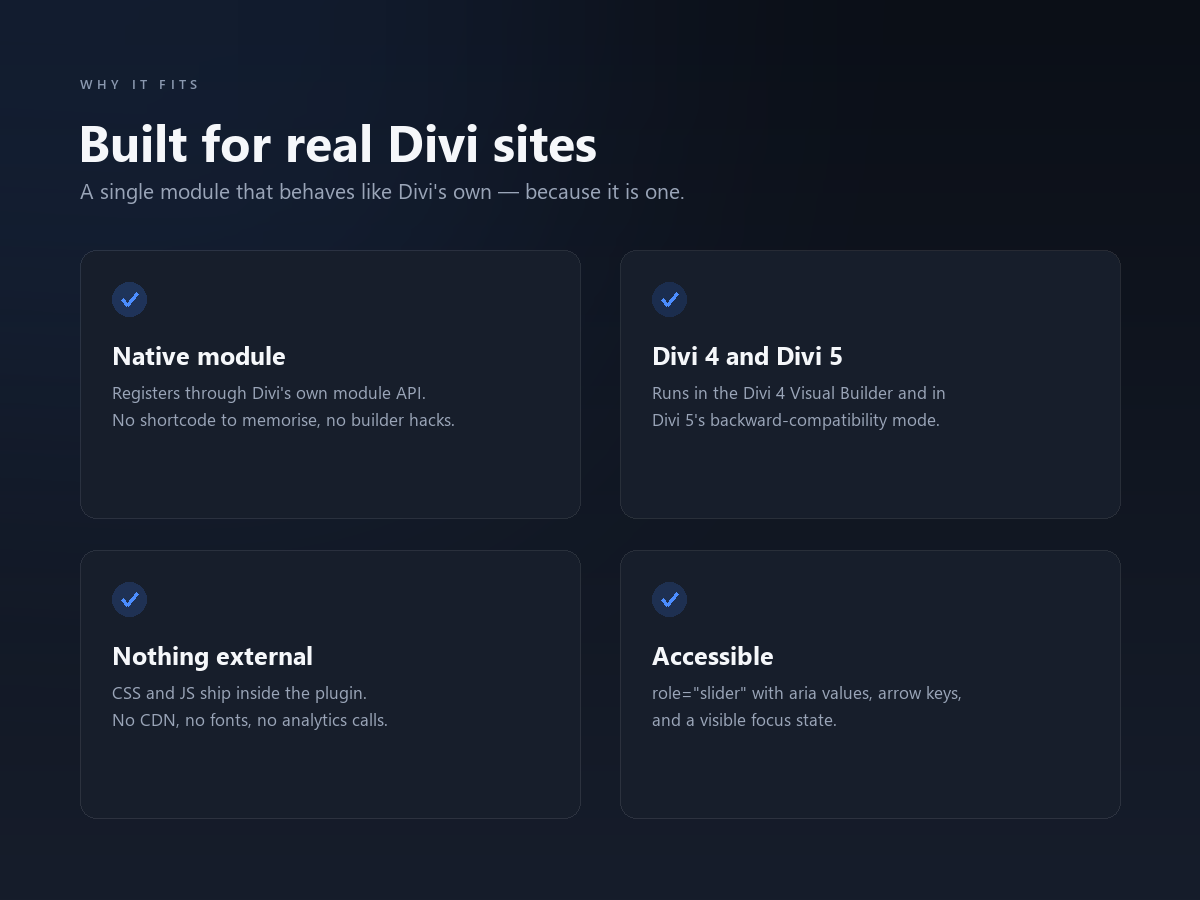
The module appears in the Divi Builder list next to Divi’s own modules and uses the standard Divi settings panel, so there is nothing new to learn. It runs in the Divi 4 Visual Builder and in Divi 5, and it keeps its settings when you save, duplicate or copy the module between pages.
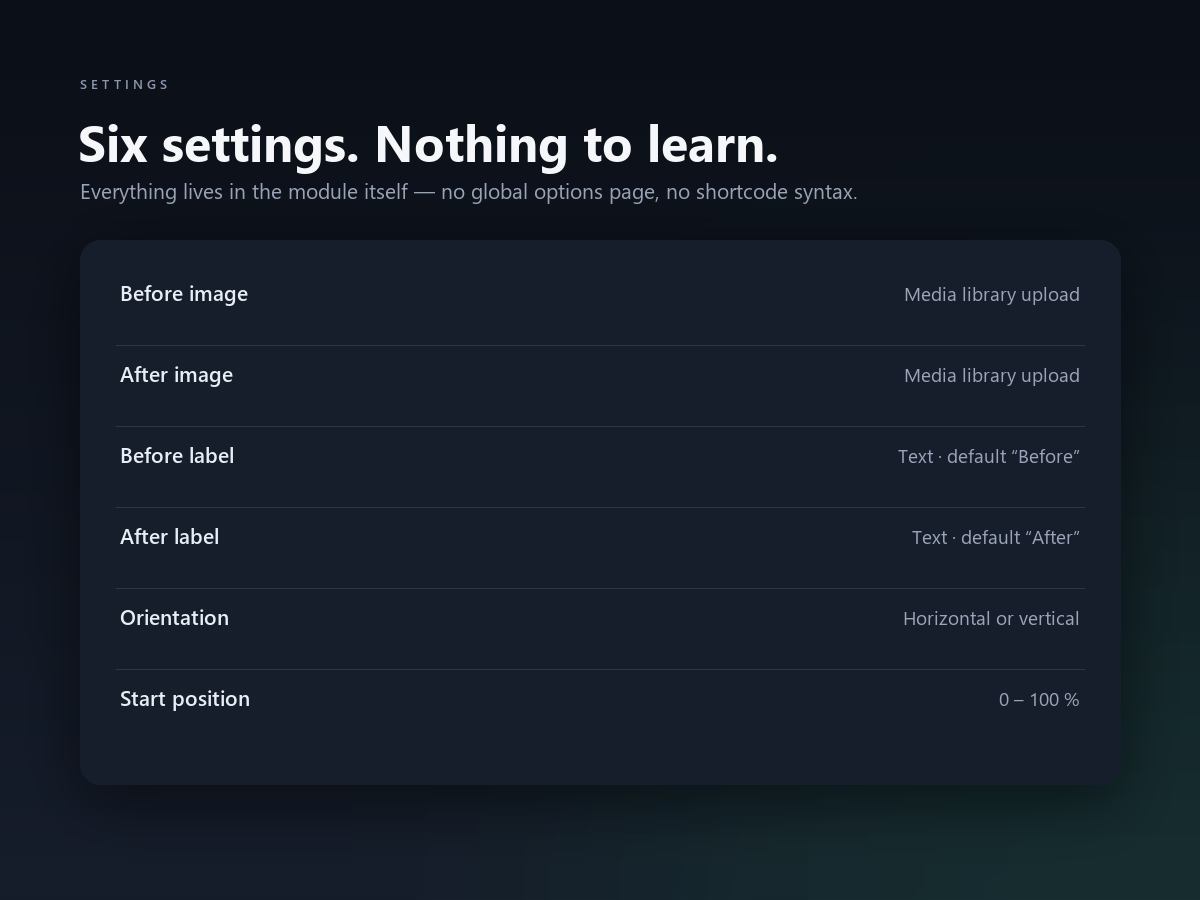
Six settings, all in the module
- Before image — media library picker
- After image — media library picker
- Before label — text, defaults to “Before”
- After label — text, defaults to “After”
- Orientation — horizontal or vertical
- Start position — 0 to 100 %
There is no global options page and no shortcode syntax to memorise.
Fast by design
13 KB of CSS and JavaScript in total, about 4.7 KB gzipped. No jQuery, no icon font, no CDN, no analytics, no cookies. The assets are only enqueued on pages that actually contain the module, so the rest of the site is untouched.
Accessible by default
The handle is a real ARIA slider: role="slider", an accessible name, live aria-valuenow and aria-orientation, arrow-key nudging, Home and End to jump to either edge, and a visible focus ring for keyboard users. The whole image is a drag surface, so touch users do not have to hit a small target.
What you get
before-after-1.0.2.zip— the plugin, ready to upload- A quick-start PDF guide (install, settings, keyboard shortcuts)
- 1 year of updates and support
- GPL-2.0-or-later licence
Requirements
- WordPress 6.0 or newer
- PHP 7.4 or newer
- Divi 4.10 or newer, including Divi 5 (theme or Divi Builder plugin)
Divi is required. This is a Divi module, not a standalone slider, and it does not add a shortcode that works outside the Divi Builder.
Installation
- In WordPress go to Plugins → Add New → Upload Plugin and choose
before-after-1.0.2.zip. Install and activate. - Edit any page with the Divi Builder, click the plus button and search for “Before / After”.
- Pick the two images, change the labels if you like, choose horizontal or vertical, then save.
Frequently asked questions
Does it work without Divi?
No. The module registers through Divi’s module API, so Divi has to be active.
Will it slow my site down?
It adds about 4.7 KB gzipped, and only on pages that use the module.
Can I match my brand colours?
Yes. The handle, divider and labels use plain CSS classes (pc-compare__handle, pc-compare__label), so you can restyle them from Divi’s Custom CSS or your child theme.
Does it work with tall, portrait images?
Yes. Switch Orientation to Vertical and the divider moves up and down instead.
Is it translation ready?
Yes. Every string uses the pc-before-after text domain and a .pot file is included.
Can I use it on a client site?
Each licence covers one WordPress site. Buy one licence per site you deploy to.
Changelog
1.0.2
- Accessibility: the handle now reports its live value to screen readers and has an accessible name.
- Accessibility: added a keyboard focus ring.
- Added chevron arrows inside the handle so the drag affordance is obvious.
1.0.1
- Accessibility: the handle is a real slider role with keyboard control.
- Compatibility: tested up to WordPress 7.1.
1.0.0
- Initial release.
Reviews
There are no reviews yet.